
Materials rendered properly
PBR maps and an environment light are applied, so metal reads as metal and a textured asset looks the way it was authored.
GLB VIEWER
Open a GLB or glTF file with its materials intact, orbit it under studio lighting, and read the same mesh diagnostics the converter uses.
GLB is the format AI generators and asset marketplaces hand back, and unlike STL it carries materials, textures, and a node hierarchy. This viewer renders all of it with physically based shading and an environment light, so what you see resembles a render rather than a grey blob. It also flattens the scene graph to report real triangle counts and manifold diagnostics, which matters when the next stop is a slicer rather than a game engine.
GLB VIEWER
Nothing uploads. The parser runs inside this tab, so client work and NDA models stay on your machine.
Orbit, toggle wireframe, and read triangle count, bounding box, and open-edge diagnostics.
Re-export to another format, or send the geometry onward to your slicer.
PBR maps and an environment light are applied, so metal reads as metal and a textured asset looks the way it was authored.
Multi-mesh scenes are merged in world space before measurement, so the triangle count and bounding box describe the real asset.
Convert straight to STL when you want to print a downloaded GLB, with world transforms already baked into the vertices.
Every slider rebuilds the real mesh in a worker thread. What you orbit is the file you download.
Width, height, relief depth, and base thickness are typed in real units, so the plate fits your bed the first time.
Open edges, non-manifold edges, degenerate faces, triangle count, volume, and bed contact are all reported.
Relief, lithophane, viewer, and converter work never leaves the browser. Only AI generation uploads anything.
Export binary STL, GLB, glTF, OBJ, or PLY, and convert between them without installing a modelling suite.
Unlimited local conversion with no watermark, no daily cap, and no account. Credits apply only to AI generation.
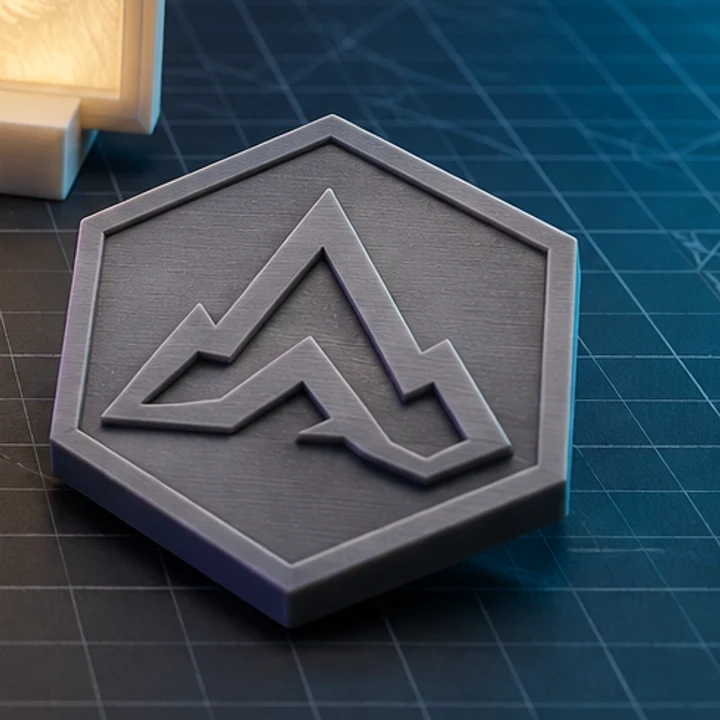
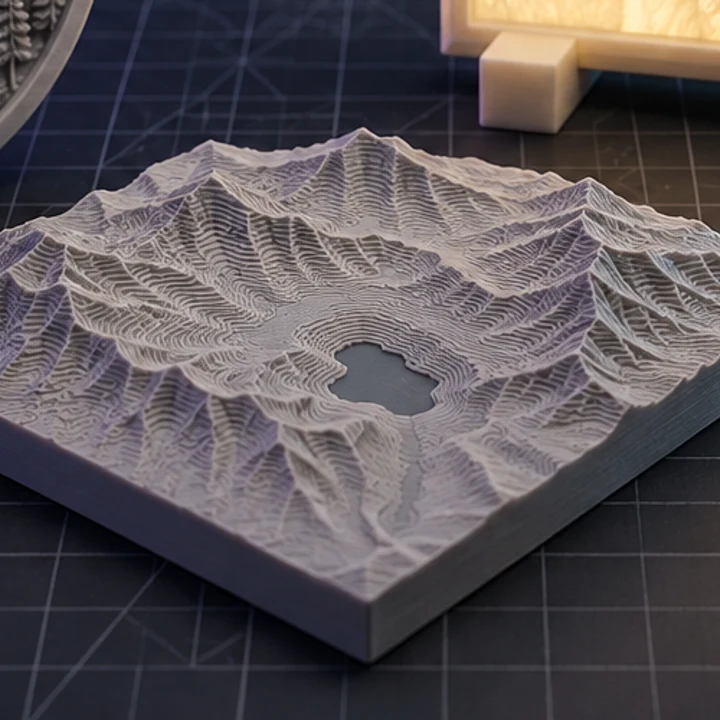
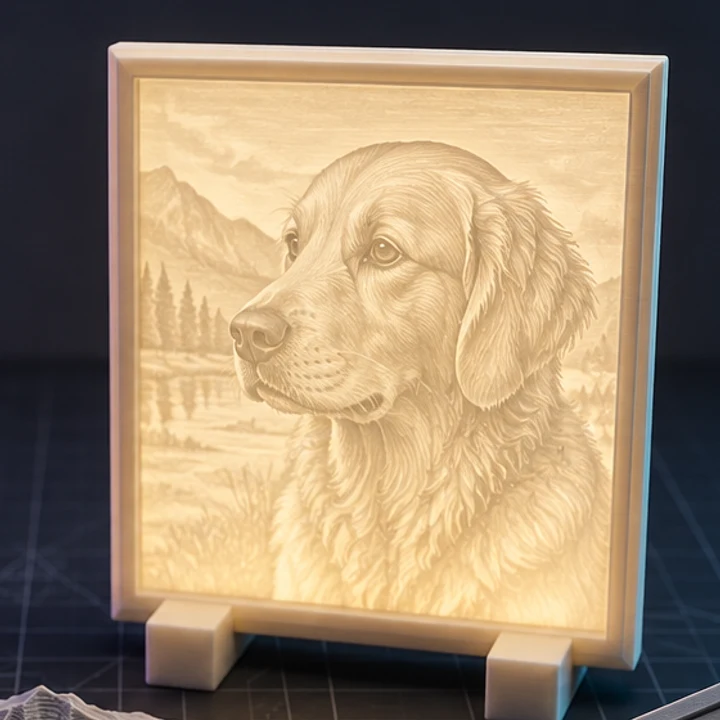
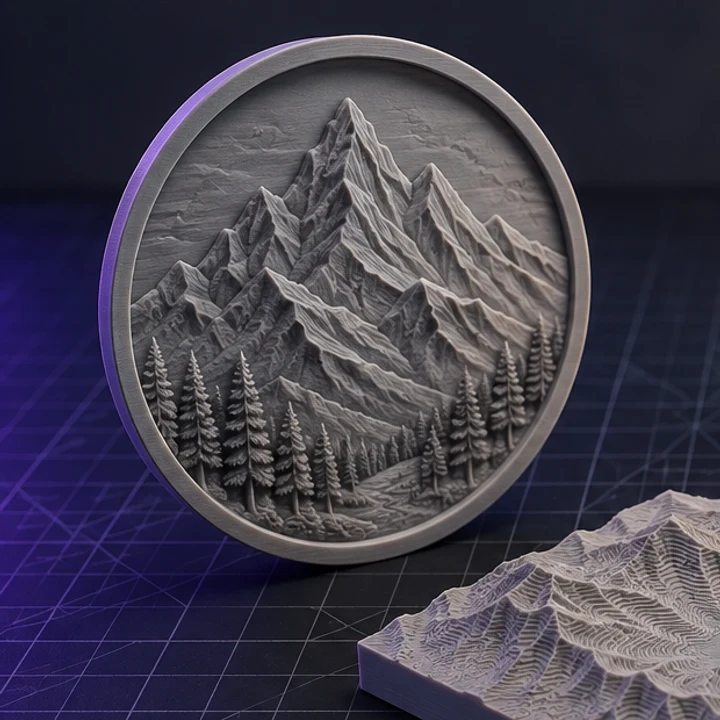
Four builds produced with the presets on this page, exported as printed.
They are the same format in two containers. glTF is JSON with textures as separate files; GLB packs everything into one binary file. GLB is easier to share because nothing can go missing. Both open here.
Yes for GLB, where textures are embedded. A glTF that references external image files will render its geometry and materials but show missing maps, because those separate files are not uploaded alongside it.
Not directly, since slicers read triangles rather than materials. Convert to STL first. Colour and texture are dropped in that step because STL cannot store them.
No. The viewer targets static geometry inspection and print preparation, so animated assets are shown in their rest pose.
Because the scene is flattened and de-indexed for measurement, and because some tools report quads while this reports triangles. A quad-based mesh will show roughly double the face count here.
Jump straight to the converter tuned for your source file.
Relief and lithophane conversion is free, unlimited, and runs entirely in this browser. AI reconstruction starts with one free trial model.