
Edges stay square
Smoothing is off and detail is Fine, so a corner in your artwork becomes a corner in the mesh instead of a rounded ramp.
LOGO TO STL
Extrude a logo into a clean raised emblem. Sharp walls, a flat mounting base, and depth set in millimetres so it fits the part you are branding.
Upload once and a printable relief STL starts building in this browser. Best for logos, portraits, terrain, signs, and lithophanes.
A logo has to survive extrusion without losing its geometry, which means no smoothing, the finest sampling available, and a base thick enough to keep a wide plate flat. Those are the settings this page starts from. The result is a solid with vertical walls, a consistent emblem height, and a sealed flat back you can glue, screw, or print directly onto another part.
LOGO TO STL
Drag in a PNG, JPG, or WebP, paste from the clipboard, or start from a built-in sample.
Type the width, height, relief depth, and base thickness in millimetres and watch the mesh rebuild live.
Read the open-edge and manifold report, then export a binary STL straight into your slicer.
Smoothing is off and detail is Fine, so a corner in your artwork becomes a corner in the mesh instead of a rounded ramp.
A 1.8mm floor gives a rigid plate that resists warping on a wide emblem and provides a real surface for adhesive or fasteners.
Because the emblem sits at one uniform height, a single filament swap at that layer produces a crisp two-tone badge with no manual editing.
Every slider rebuilds the real mesh in a worker thread. What you orbit is the file you download.
Width, height, relief depth, and base thickness are typed in real units, so the plate fits your bed the first time.
Open edges, non-manifold edges, degenerate faces, triangle count, volume, and bed contact are all reported.
Relief, lithophane, viewer, and converter work never leaves the browser. Only AI generation uploads anything.
Export binary STL, GLB, glTF, OBJ, or PLY, and convert between them without installing a modelling suite.
Unlimited local conversion with no watermark, no daily cap, and no account. Credits apply only to AI generation.
Relief mode extrudes brightness into height. AI mode reconstructs a full closed volume.
| Relief / Lithophane | AI 3D Object | |
|---|---|---|
| Best input | Logos, line art, portraits, terrain, height maps | Product shots, characters, props, toys |
| Output shape | Raised plate with a flat back | Closed volume with a real back and sides |
| Typical wait | Under 3 seconds | 40 seconds to 4 minutes |
| Where it runs | This browser only | Uploaded to the model provider |
| Cost | Free and unlimited | From 8 credits per model |
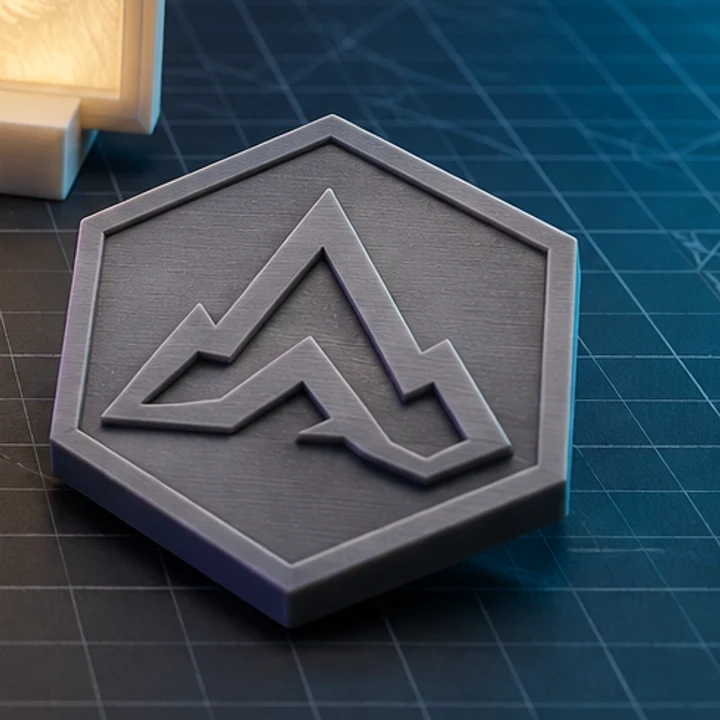
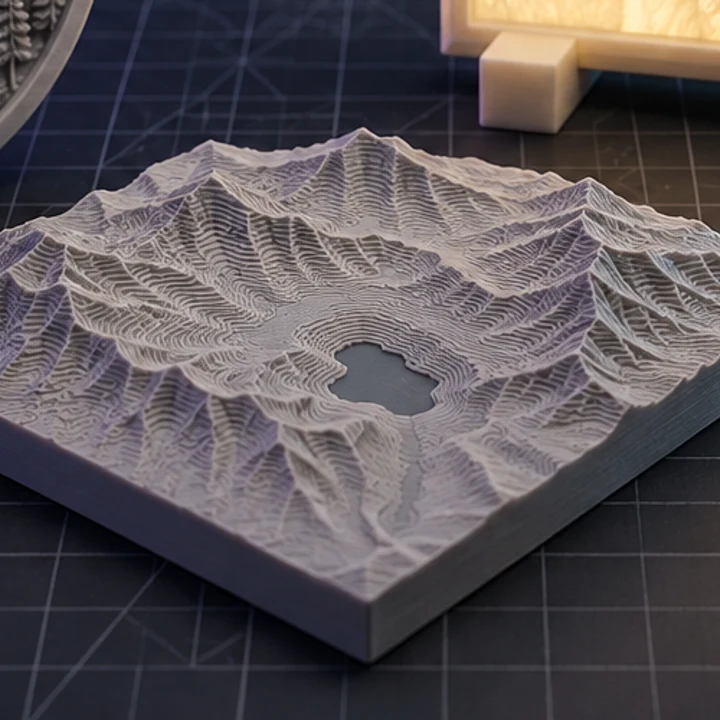
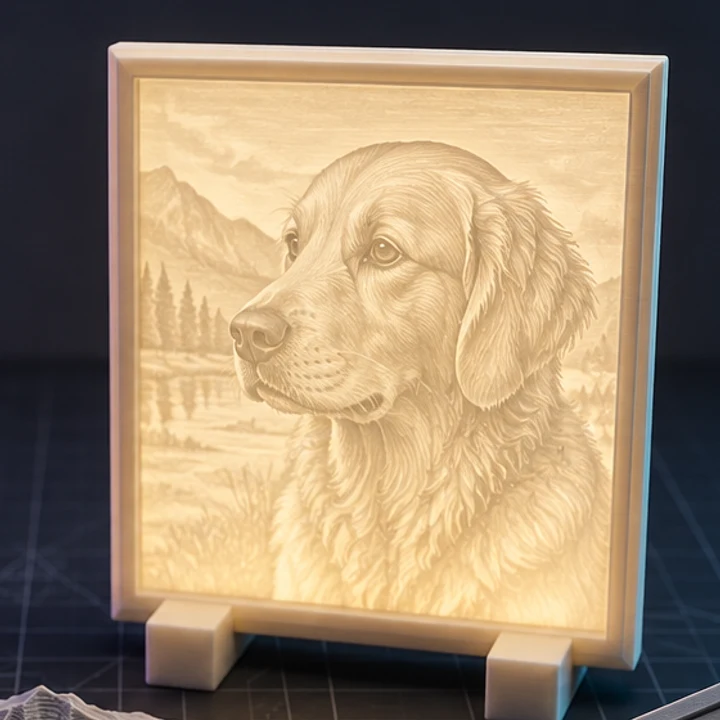
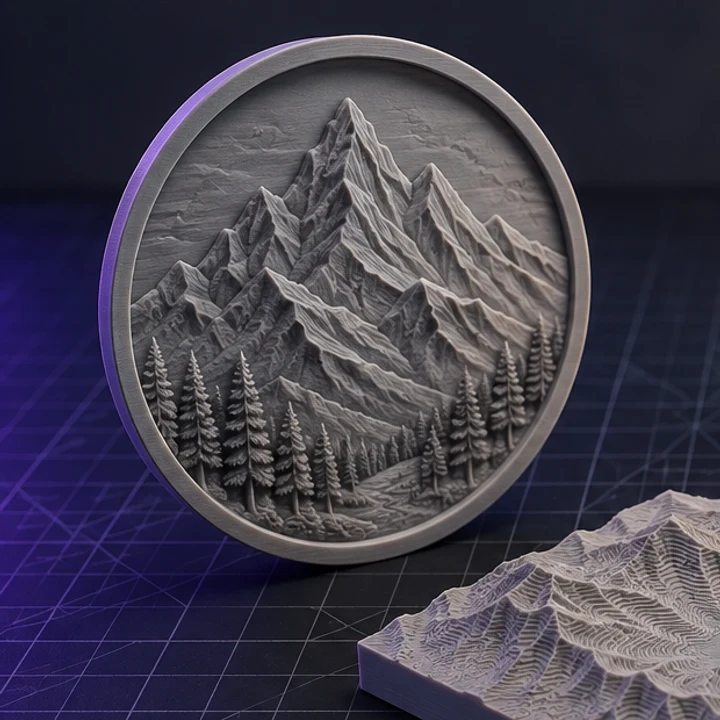
Four builds produced with the presets on this page, exported as printed.
Between 2 and 4mm reads well on a hand-held badge. Thinner than 1mm and the emblem disappears under normal lighting; thicker than 5mm and fine interior details start to look like walls rather than lettering.
Only if each stroke is wider than roughly two nozzle widths, about 0.8mm on a 0.4mm nozzle. Either scale the whole plate up until the strokes clear that threshold, or thicken the letterforms in your artwork first.
SVG whenever you have it, because it is sampled at your target size and keeps curves smooth. A high-resolution PNG with transparency is a close second. Avoid low-resolution screenshots, which carry compression edges into the mesh.
Yes, enable Invert depth. The emblem then sits below the surrounding plate, which is what a stamp, a mould, or a paint-fill inlay needs.
Yes. Local conversion adds no watermark and imposes no licence on the output. You do need the rights to the logo itself, and the file never leaves your browser, so confidential brand work stays private.
Jump straight to the converter tuned for your source file.
Relief and lithophane conversion is free, unlimited, and runs entirely in this browser. AI reconstruction starts with one free trial model.