
Nothing is uploaded
Both ASCII and binary STL are parsed in this tab. Client parts and NDA geometry can be opened without sending a copy anywhere.
STL VIEWER
Open an STL file and inspect it properly. Orbit, switch to wireframe, and read triangle count, bounding box, and mesh diagnostics without installing anything.
Most online STL viewers show you a spinning object and nothing else. This one runs the same diagnostics as the converter, so you learn whether a downloaded model is actually printable: whether it is watertight, how many triangles your slicer will have to chew through, what its real dimensions are, and whether it sits on the build plate. Parsing happens in your browser, so confidential geometry never leaves the machine.
STL VIEWER
Nothing uploads. The parser runs inside this tab, so client work and NDA models stay on your machine.
Orbit, toggle wireframe, and read triangle count, bounding box, and open-edge diagnostics.
Re-export to another format, or send the geometry onward to your slicer.
Both ASCII and binary STL are parsed in this tab. Client parts and NDA geometry can be opened without sending a copy anywhere.
Open edges, non-manifold edges, degenerate faces, volume, bounding box, and bed contact are all reported alongside the model.
Once a file is open you can re-export it as GLB, OBJ, or PLY, which saves a round trip through a desktop modelling package.
Every slider rebuilds the real mesh in a worker thread. What you orbit is the file you download.
Width, height, relief depth, and base thickness are typed in real units, so the plate fits your bed the first time.
Open edges, non-manifold edges, degenerate faces, triangle count, volume, and bed contact are all reported.
Relief, lithophane, viewer, and converter work never leaves the browser. Only AI generation uploads anything.
Export binary STL, GLB, glTF, OBJ, or PLY, and convert between them without installing a modelling suite.
Unlimited local conversion with no watermark, no daily cap, and no account. Credits apply only to AI generation.
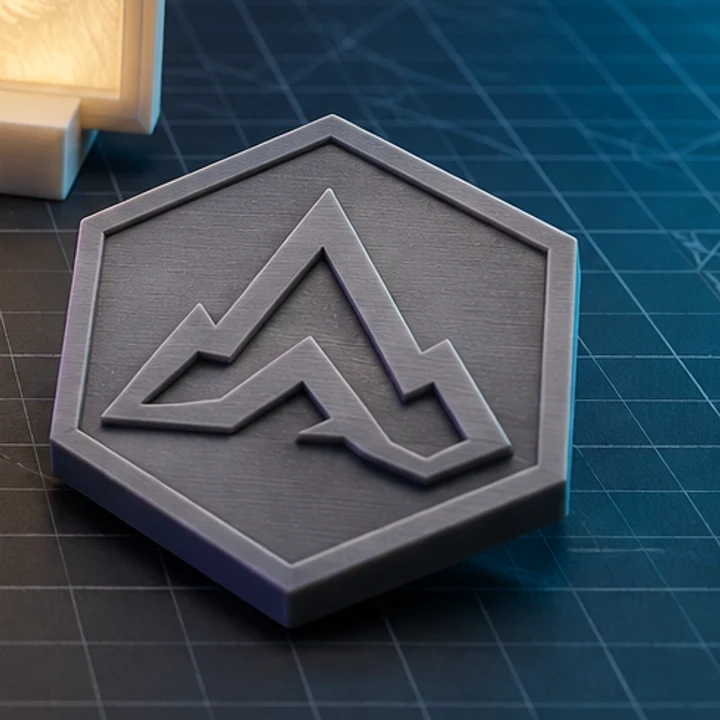
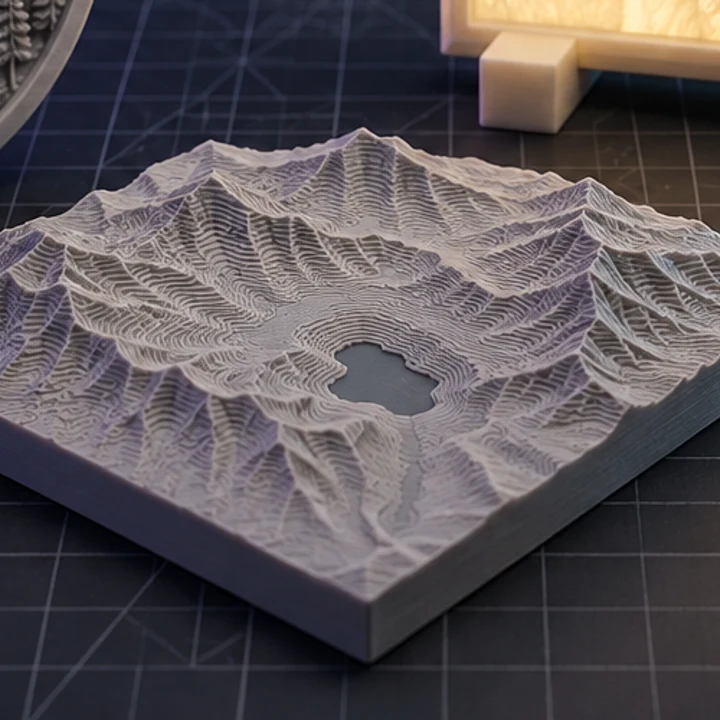
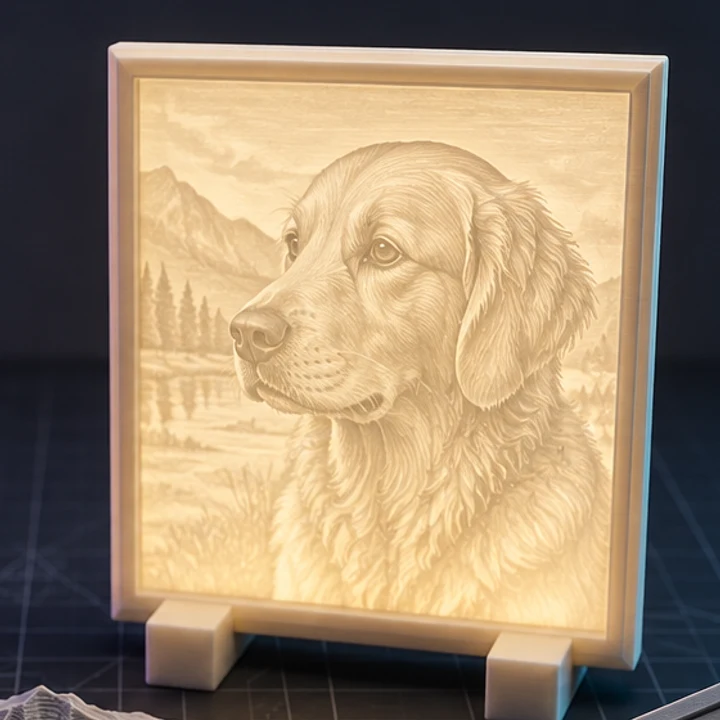
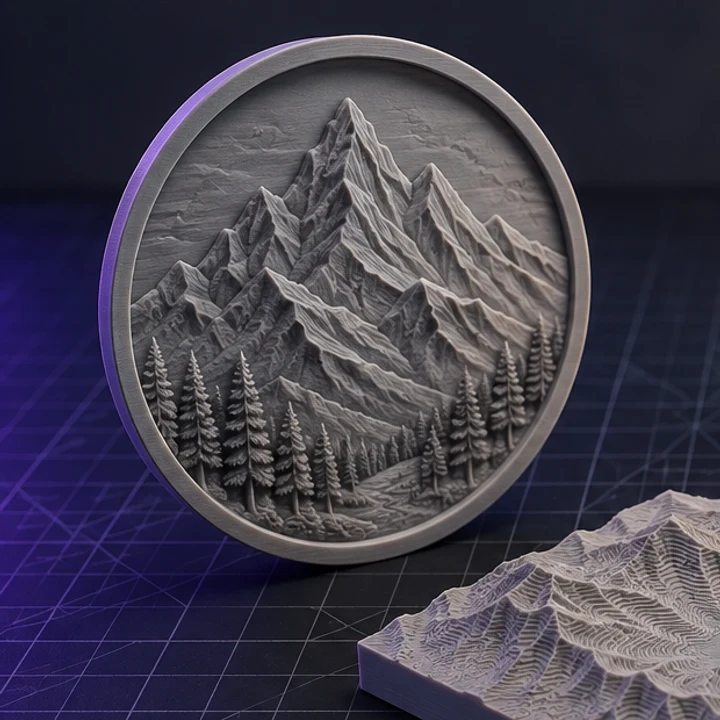
Four builds produced with the presets on this page, exported as printed.
Yes. The format is detected automatically from the file contents, so you do not have to know which variant you were sent.
There is no server-side limit because there is no upload. The practical ceiling is browser memory; files of a few hundred megabytes open on a typical laptop, though very dense meshes will orbit less smoothly.
The report gives you the evidence. Zero open edges and zero non-manifold edges means the shell is closed, which is the main requirement. It cannot judge overhangs, wall thickness, or supports, which depend on your printer and slicer.
STL stores bare numbers with no unit declaration. Nearly all 3D printing tools interpret them as millimetres, which is what the dimension readout assumes. A model that appears 25 times too small was probably authored in inches.
The viewer reports the overall bounding box and enclosed volume rather than point-to-point measurements. For detailed metrology, open the file in a dedicated CAD or mesh-inspection tool.
Jump straight to the converter tuned for your source file.
Relief and lithophane conversion is free, unlimited, and runs entirely in this browser. AI reconstruction starts with one free trial model.