
See the mesh, not a preview image
The viewport shows the actual triangles being exported. Change relief height and the geometry rebuilds in place, so nothing surprises you after slicing.
IMAGE TO PRINTABLE GEOMETRY
Drop in a logo, photo, drawing, or height map. IMG2STL extrudes it into a dimensioned mesh you can orbit, diagnose, and download as STL — free, instantly, without leaving your browser.
Upload once and a printable relief STL starts building in this browser. Best for logos, portraits, terrain, signs, and lithophanes.
Most image-to-STL tools hand back a file and leave you to discover the problems in your slicer. IMG2STL builds the real mesh on every slider move, sizes it in millimetres rather than arbitrary units, and runs six manifold and geometry checks before you export. When a flat relief is not enough, the same workspace can send your photo to a generative model and return a closed volume with a real back and sides.
IMAGE TO PRINTABLE GEOMETRY
Drag in a PNG, JPG, or WebP, paste from the clipboard, or start from a built-in sample.
Type the width, height, relief depth, and base thickness in millimetres and watch the mesh rebuild live.
Read the open-edge and manifold report, then export a binary STL straight into your slicer.
The viewport shows the actual triangles being exported. Change relief height and the geometry rebuilds in place, so nothing surprises you after slicing.
Set width, height, relief depth, and base thickness in millimetres. The plate arrives in your slicer already scaled to the bed instead of needing a guessed multiplier.
Height-map relief for flat art and lithophanes, AI reconstruction for objects that need genuine volume. Switch between them without re-uploading.
Every slider rebuilds the real mesh in a worker thread. What you orbit is the file you download.
Width, height, relief depth, and base thickness are typed in real units, so the plate fits your bed the first time.
Open edges, non-manifold edges, degenerate faces, triangle count, volume, and bed contact are all reported.
Relief, lithophane, viewer, and converter work never leaves the browser. Only AI generation uploads anything.
Export binary STL, GLB, glTF, OBJ, or PLY, and convert between them without installing a modelling suite.
Unlimited local conversion with no watermark, no daily cap, and no account. Credits apply only to AI generation.
Relief mode extrudes brightness into height. AI mode reconstructs a full closed volume.
| Relief / Lithophane | AI 3D Object | |
|---|---|---|
| Best input | Logos, line art, portraits, terrain, height maps | Product shots, characters, props, toys |
| Output shape | Raised plate with a flat back | Closed volume with a real back and sides |
| Typical wait | Under 3 seconds | 40 seconds to 4 minutes |
| Where it runs | This browser only | Uploaded to the model provider |
| Cost | Free and unlimited | From 8 credits per model |
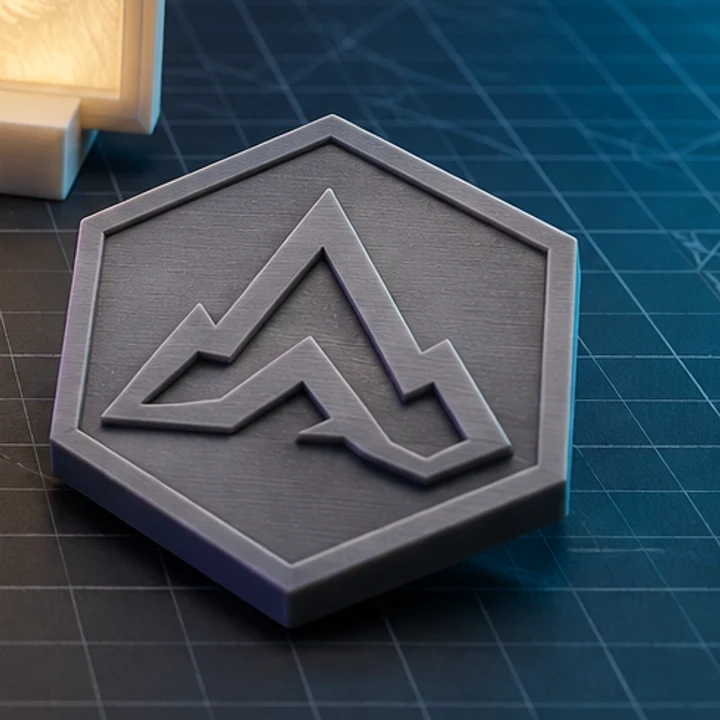
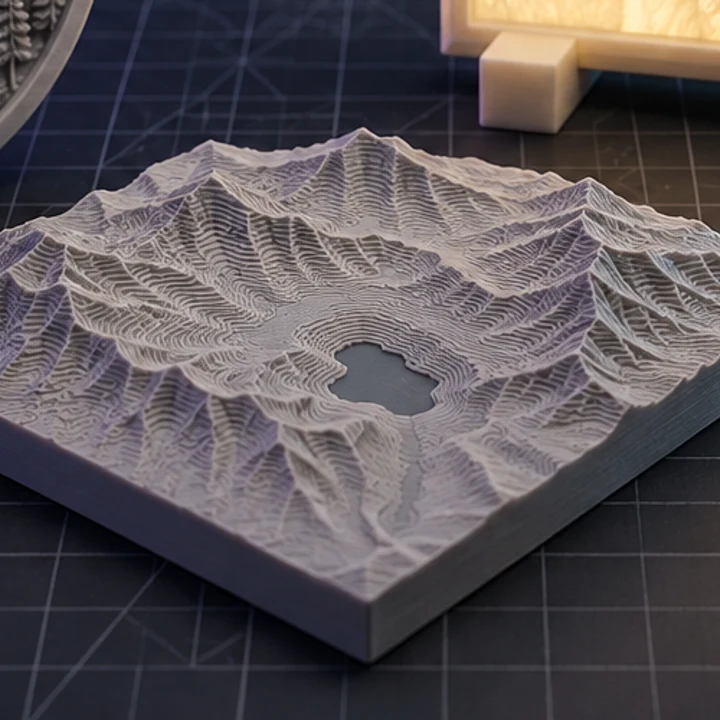
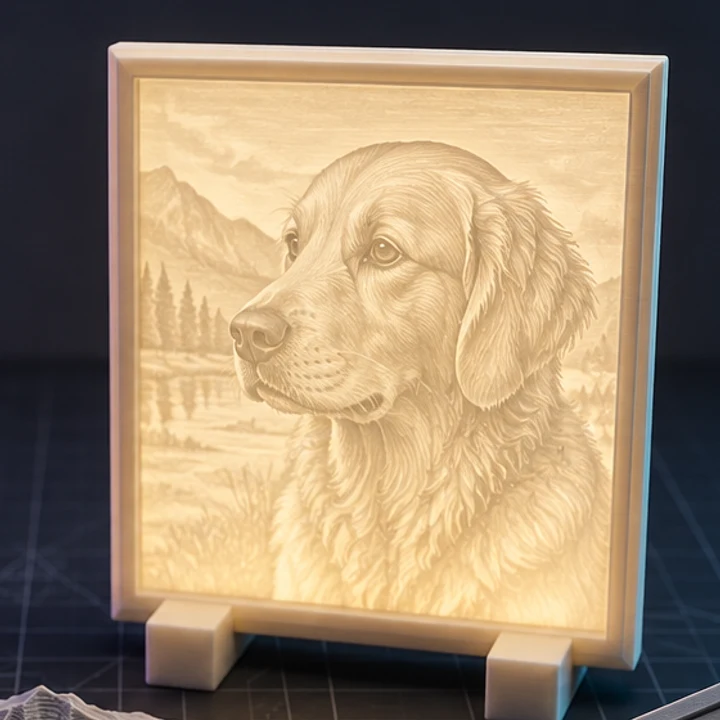
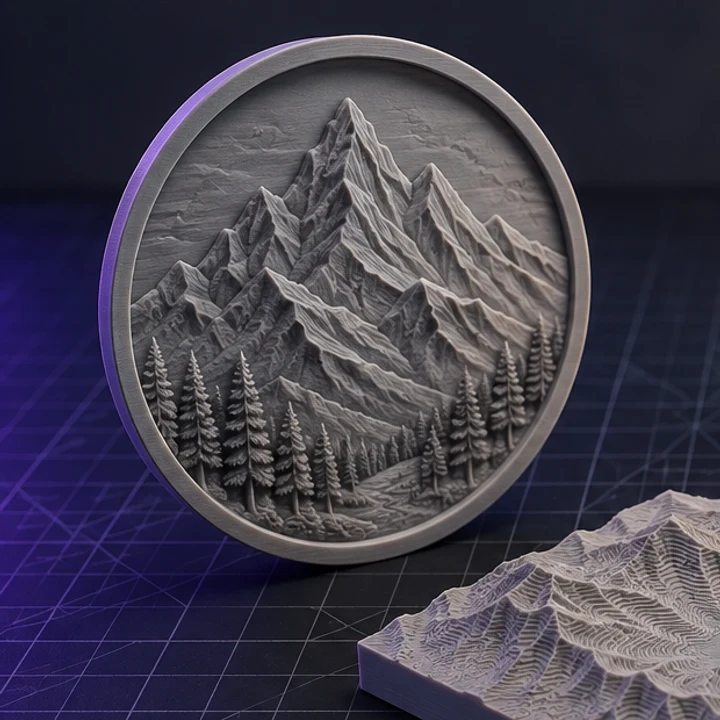
Four builds produced with the presets on this page, exported as printed.
Yes. Relief and lithophane conversion runs on your own device, so there is no per-file cost to pass on. There is no watermark, no daily limit, and no account requirement. Credits are only involved when you choose AI 3D generation, which runs on paid GPU infrastructure.
Not in relief or lithophane mode. The file is read into browser memory, processed by a Web Worker, and discarded when you close the tab. Uploading happens only if you deliberately switch to AI 3D generation, which needs to send the reference image to the model provider.
High contrast with a clean subject. Brightness becomes height, so a logo on a white background or a portrait with clear separation from its background gives a crisp result. Busy backgrounds turn into noisy bumps; crop them out or raise contrast before converting.
Relief output is generated as a closed shell with a floor and four side walls, so it is normally watertight. The print check reports open edges, non-manifold edges, and degenerate faces on every build so you can confirm before slicing rather than after.
Files you generate from your own artwork are yours to use, including commercially. You are responsible for holding the rights to whatever image you upload. Paid plans include explicit commercial usage terms for AI-generated models.
Jump straight to the converter tuned for your source file.
Relief and lithophane conversion is free, unlimited, and runs entirely in this browser. AI reconstruction starts with one free trial model.