
Real volume, not a raised surface
The output is a closed mesh with sides and a back, so it holds up when viewed from any angle and prints as a solid object.
AI IMAGE TO 3D
Reconstruct a full 3D object from a photo. Closed geometry with a real back and sides, exportable as textured GLB or print-ready STL.
Upload the same image, choose a quality level, then confirm an API generation for products, characters, and props that need full depth.
Height-map extrusion can only raise what the camera saw; it has no way to invent the back of an object. AI reconstruction does. A generative model infers the complete volume from your reference views and returns a closed mesh you can orbit freely. Four quality tiers trade speed against fidelity, and adding back, left, and right views sharply reduces the guesswork on anything with asymmetric detail.
AI IMAGE TO 3D
One photo is enough. Add back, left, and right views when the object hides detail from the front.
Quick previews a shape in under a minute. Pro Textured returns PBR materials for rendering.
Orbit the result, run the print check, then take STL for printing or GLB to keep textures.
The output is a closed mesh with sides and a back, so it holds up when viewed from any angle and prints as a solid object.
One photo is enough to start. Adding back and side references gives the model real data instead of inference for the hidden faces.
Pro Textured returns PBR materials for rendering; Pro Geometry returns clean untextured topology when you only plan to print.
Every slider rebuilds the real mesh in a worker thread. What you orbit is the file you download.
Width, height, relief depth, and base thickness are typed in real units, so the plate fits your bed the first time.
Open edges, non-manifold edges, degenerate faces, triangle count, volume, and bed contact are all reported.
Relief, lithophane, viewer, and converter work never leaves the browser. Only AI generation uploads anything.
Export binary STL, GLB, glTF, OBJ, or PLY, and convert between them without installing a modelling suite.
Unlimited local conversion with no watermark, no daily cap, and no account. Credits apply only to AI generation.
Relief mode extrudes brightness into height. AI mode reconstructs a full closed volume.
| Relief / Lithophane | AI 3D Object | |
|---|---|---|
| Best input | Logos, line art, portraits, terrain, height maps | Product shots, characters, props, toys |
| Output shape | Raised plate with a flat back | Closed volume with a real back and sides |
| Typical wait | Under 3 seconds | 40 seconds to 4 minutes |
| Where it runs | This browser only | Uploaded to the model provider |
| Cost | Free and unlimited | From 8 credits per model |
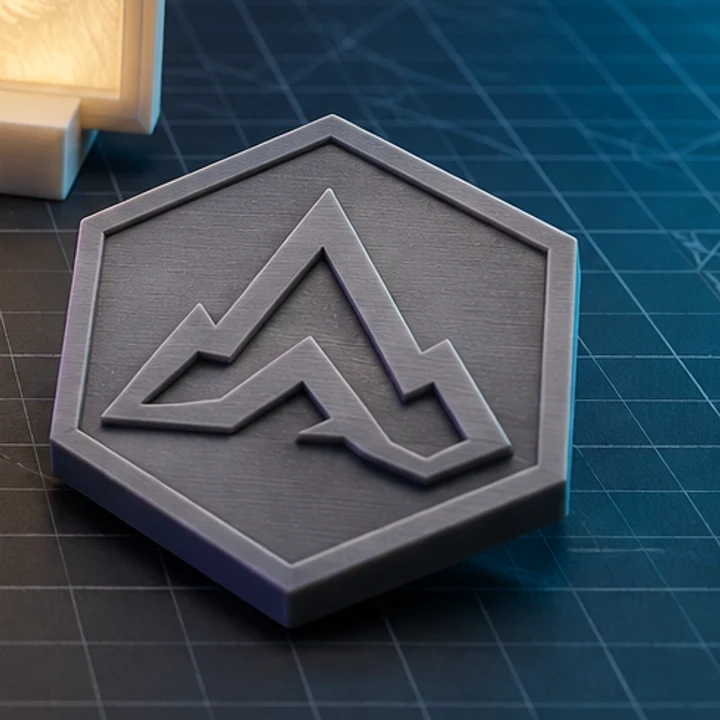
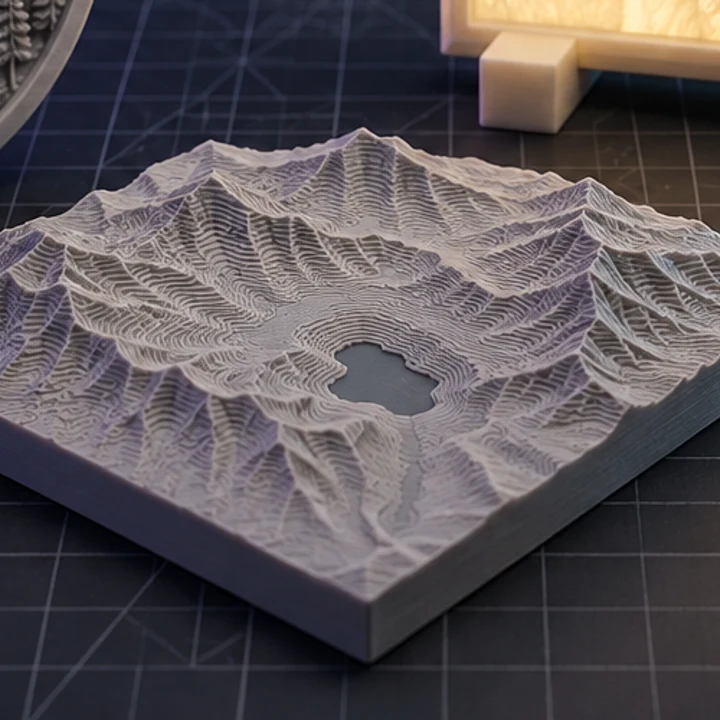
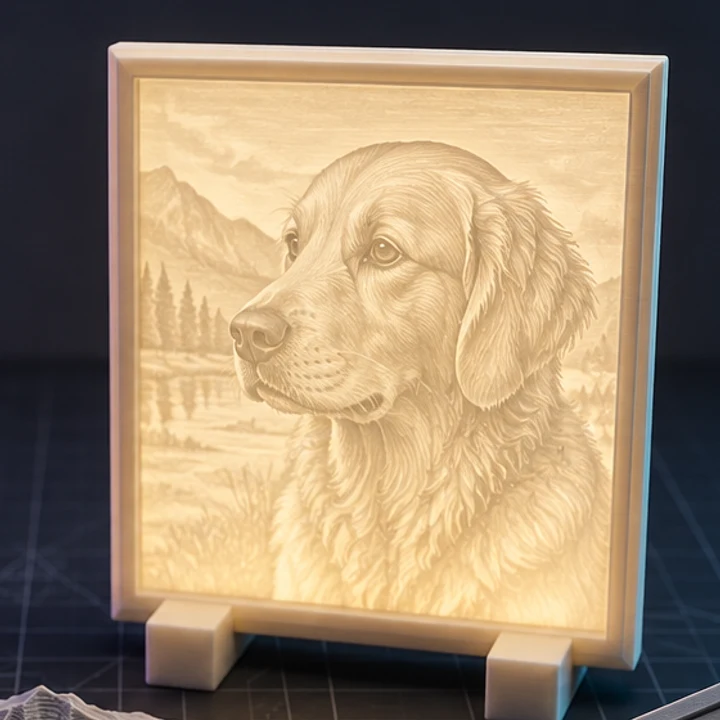
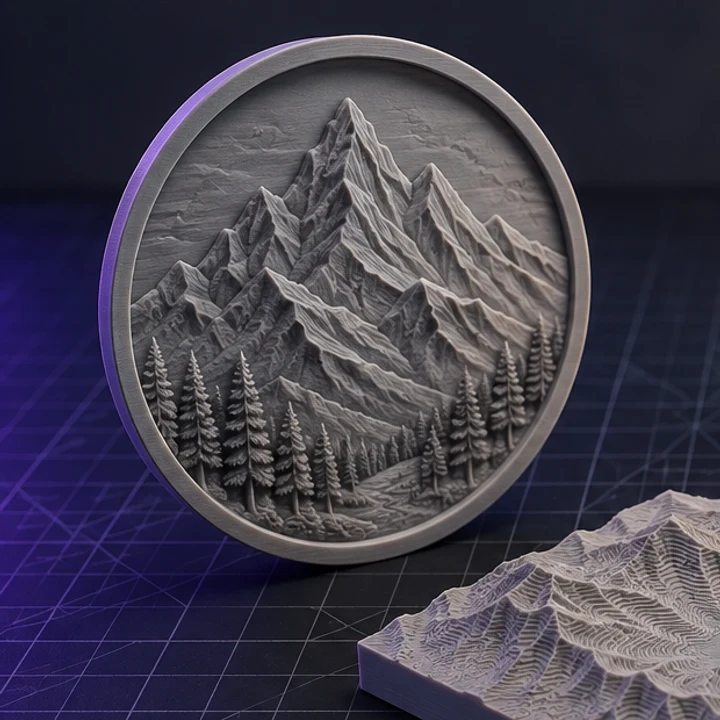
Four builds produced with the presets on this page, exported as printed.
One works. The multi-view tier accepts front, back, left, and right, and the improvement is largest on objects whose hidden faces differ from the visible ones. For a symmetric object a single clean front view is often enough.
A single isolated object, even diffuse lighting, a plain background, and the whole subject in frame. Cluttered scenes, hard shadows, motion blur, and cropped edges all degrade the reconstruction because the model has to guess what is missing.
Usually, but always check. AI meshes can contain open edges or non-manifold geometry, which is why the print check runs on the result. Use Optimize for print to seal and reorient it, and repair anything the report still flags in your slicer.
GLB keeps geometry plus materials and textures, which is what you want for rendering or engine use. STL keeps triangles only, which is all a slicer reads. Download GLB if you care about appearance, STL if you care about printing.
Credits are reversed automatically for failed upstream generations. If a task stalls, it stays in your history so you can reopen the result later rather than losing the attempt.
Jump straight to the converter tuned for your source file.
Relief and lithophane conversion is free, unlimited, and runs entirely in this browser. AI reconstruction starts with one free trial model.