
Alpha becomes a clean silhouette
Transparent regions are treated as zero height instead of white, which keeps the outline of your logo sharp rather than embossing the whole rectangle.
PNG TO STL
Turn flat PNG artwork into a solid relief STL. Transparent pixels drop to the base, so a cut-out logo prints as a shape rather than a rectangle.
Upload once and a printable relief STL starts building in this browser. Best for logos, portraits, terrain, signs, and lithophanes.
PNG is the format most logos, icons, and exported vector art arrive in, and its alpha channel is what makes it worth handling specially. IMG2STL multiplies each pixel’s luminance by its alpha before building the height field, so anything fully transparent lands exactly on the base plate. That single detail is the difference between a crisp raised emblem and a block with a faint pattern on top.
PNG TO STL
Drag in a PNG, JPG, or WebP, paste from the clipboard, or start from a built-in sample.
Type the width, height, relief depth, and base thickness in millimetres and watch the mesh rebuild live.
Read the open-edge and manifold report, then export a binary STL straight into your slicer.
Transparent regions are treated as zero height instead of white, which keeps the outline of your logo sharp rather than embossing the whole rectangle.
This page opens at a 1.6mm base and 5mm relief with smoothing off, the combination that keeps hard vector edges square instead of rounding them over.
Because the artwork sits at one consistent height above a flat base, a single filament change at the right layer gives you a clean two-tone plate.
Every slider rebuilds the real mesh in a worker thread. What you orbit is the file you download.
Width, height, relief depth, and base thickness are typed in real units, so the plate fits your bed the first time.
Open edges, non-manifold edges, degenerate faces, triangle count, volume, and bed contact are all reported.
Relief, lithophane, viewer, and converter work never leaves the browser. Only AI generation uploads anything.
Export binary STL, GLB, glTF, OBJ, or PLY, and convert between them without installing a modelling suite.
Unlimited local conversion with no watermark, no daily cap, and no account. Credits apply only to AI generation.
Relief mode extrudes brightness into height. AI mode reconstructs a full closed volume.
| Relief / Lithophane | AI 3D Object | |
|---|---|---|
| Best input | Logos, line art, portraits, terrain, height maps | Product shots, characters, props, toys |
| Output shape | Raised plate with a flat back | Closed volume with a real back and sides |
| Typical wait | Under 3 seconds | 40 seconds to 4 minutes |
| Where it runs | This browser only | Uploaded to the model provider |
| Cost | Free and unlimited | From 8 credits per model |
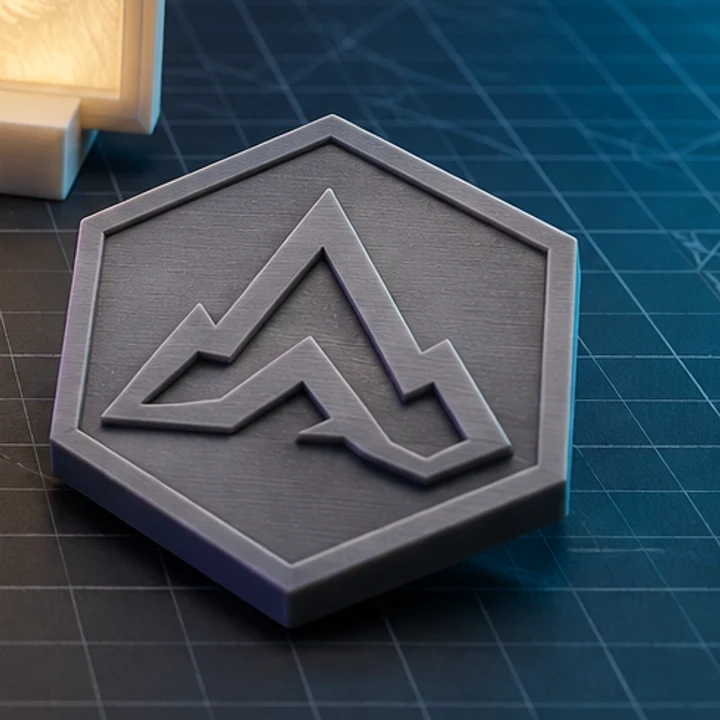
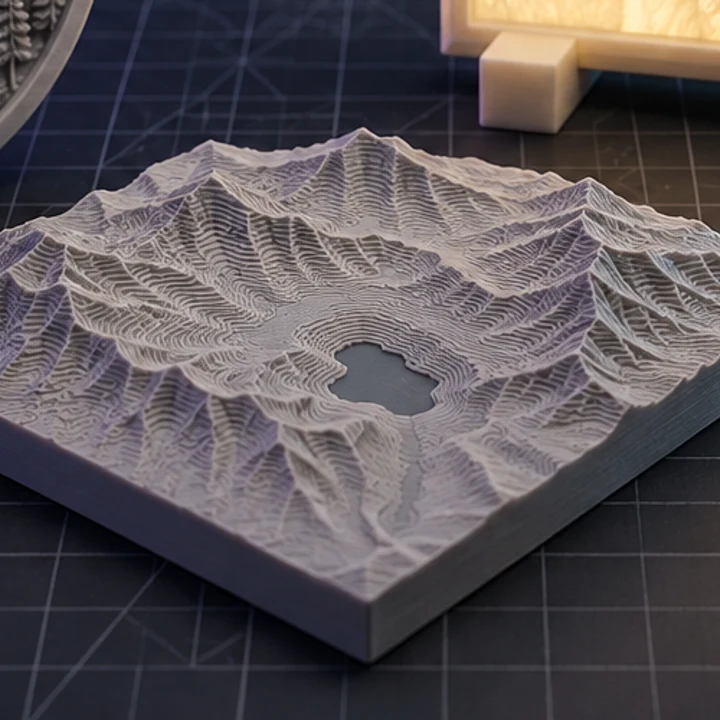
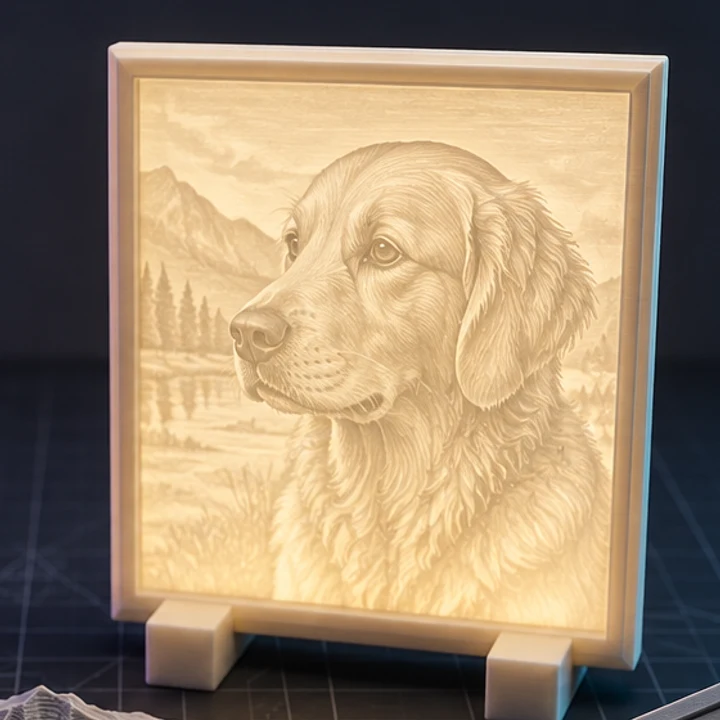
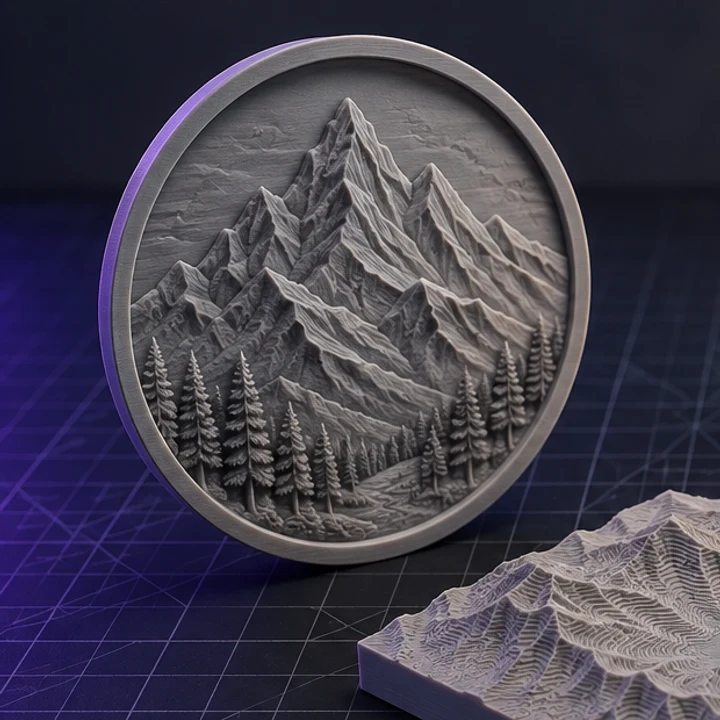
Four builds produced with the presets on this page, exported as printed.
Not if the PNG already has transparency. Alpha is read directly, so cut-out artwork works as is. If your PNG has an opaque white background, either remove it in an image editor or enable Invert depth so the white area becomes the low region instead of the high one.
Smoothing averages each pixel with its neighbours, which softens the vertical walls of flat art. Set Smoothing to zero for logos and icons, and raise Detail to Fine so the sampling grid lands closer to the true edge.
Anything narrower than roughly two nozzle widths, about 0.8mm on a standard 0.4mm nozzle, may not print reliably. Scale the plate up, thicken the line in your artwork, or accept that hairlines will come out as shallow scratches.
Enable Invert depth. The logo then sits below the surrounding surface, which is what you want for a stamp, a mould, or a plate you plan to fill with resin or paint.
Yes. Decoding is handled by the browser, which normalises palette, greyscale, and 16-bit PNG variants to 8-bit RGBA before the height field is built.
Jump straight to the converter tuned for your source file.
Relief and lithophane conversion is free, unlimited, and runs entirely in this browser. AI reconstruction starts with one free trial model.