
Resolution independent input
Your SVG is sampled at the plate size you ask for, so a 200mm sign is just as crisp as a 30mm token instead of showing upscaled pixel steps.
SVG TO STL
Extrude vector artwork into a printable solid. Because the source is resolution independent, edges stay razor sharp at any plate size.
Upload once and a printable relief STL starts building in this browser. Best for logos, portraits, terrain, signs, and lithophanes.
Vector art is the ideal input for extrusion: there is no pixel grid to alias against, so a curve stays a curve however large you print it. This page rasterises your SVG at the highest sampling density available, keeps smoothing off so straight lines remain straight, and extrudes the result to the depth you specify in millimetres. The output is a closed solid with a flat back, ready to slice.
SVG TO STL
Drag in a PNG, JPG, or WebP, paste from the clipboard, or start from a built-in sample.
Type the width, height, relief depth, and base thickness in millimetres and watch the mesh rebuild live.
Read the open-edge and manifold report, then export a binary STL straight into your slicer.
Your SVG is sampled at the plate size you ask for, so a 200mm sign is just as crisp as a 30mm token instead of showing upscaled pixel steps.
Vector edges should be vertical walls. Smoothing starts at zero and detail at Fine so corners stay square and text stays legible.
Flat artwork gives one consistent height above the base, which is exactly what you need for stencils, inlays, and two-colour plates.
Every slider rebuilds the real mesh in a worker thread. What you orbit is the file you download.
Width, height, relief depth, and base thickness are typed in real units, so the plate fits your bed the first time.
Open edges, non-manifold edges, degenerate faces, triangle count, volume, and bed contact are all reported.
Relief, lithophane, viewer, and converter work never leaves the browser. Only AI generation uploads anything.
Export binary STL, GLB, glTF, OBJ, or PLY, and convert between them without installing a modelling suite.
Unlimited local conversion with no watermark, no daily cap, and no account. Credits apply only to AI generation.
Relief mode extrudes brightness into height. AI mode reconstructs a full closed volume.
| Relief / Lithophane | AI 3D Object | |
|---|---|---|
| Best input | Logos, line art, portraits, terrain, height maps | Product shots, characters, props, toys |
| Output shape | Raised plate with a flat back | Closed volume with a real back and sides |
| Typical wait | Under 3 seconds | 40 seconds to 4 minutes |
| Where it runs | This browser only | Uploaded to the model provider |
| Cost | Free and unlimited | From 8 credits per model |
Four builds produced with the presets on this page, exported as printed.
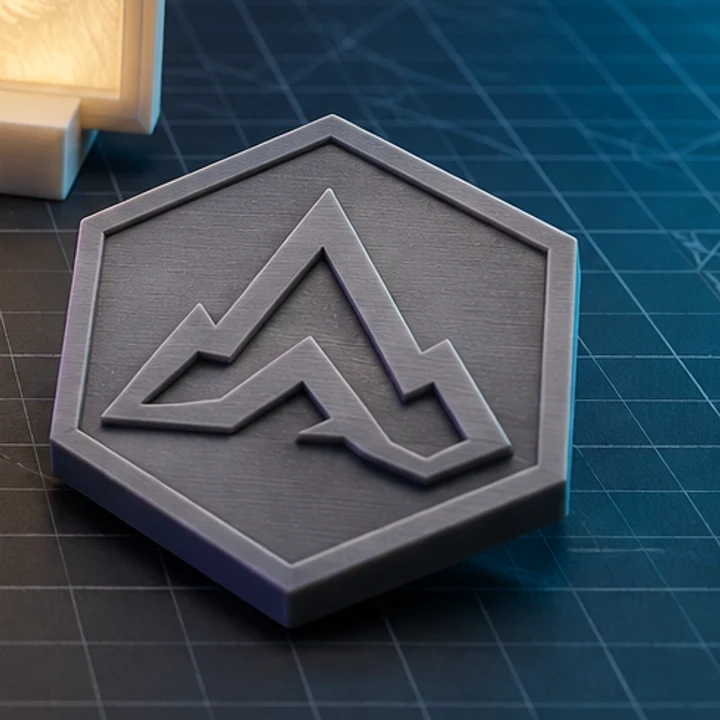
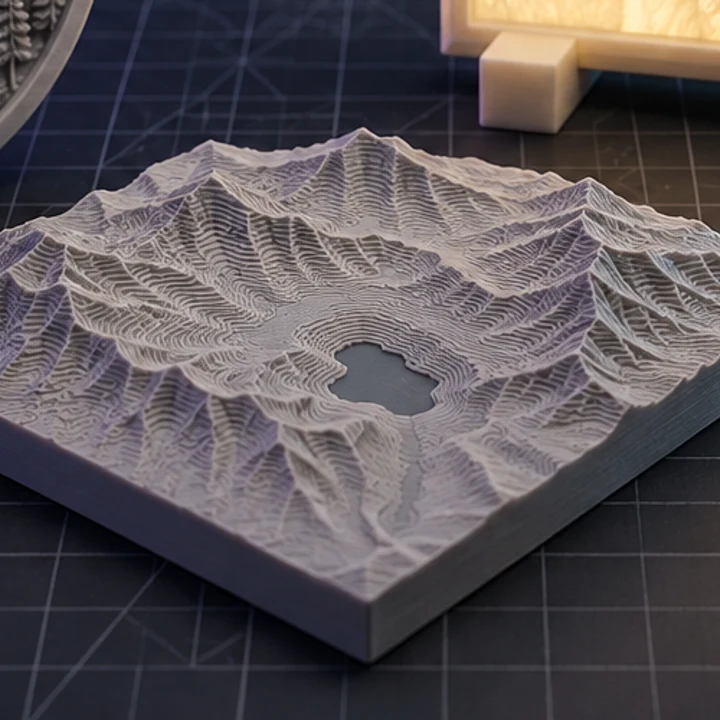
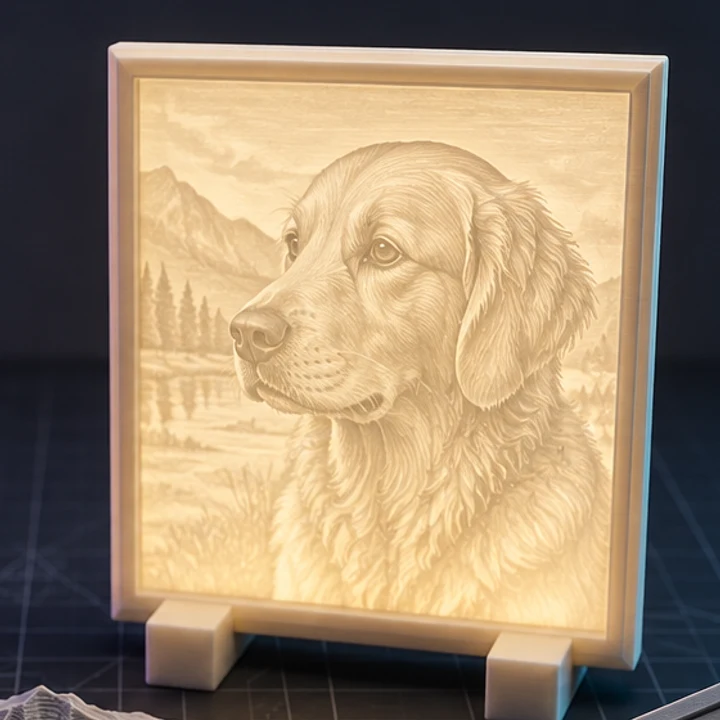
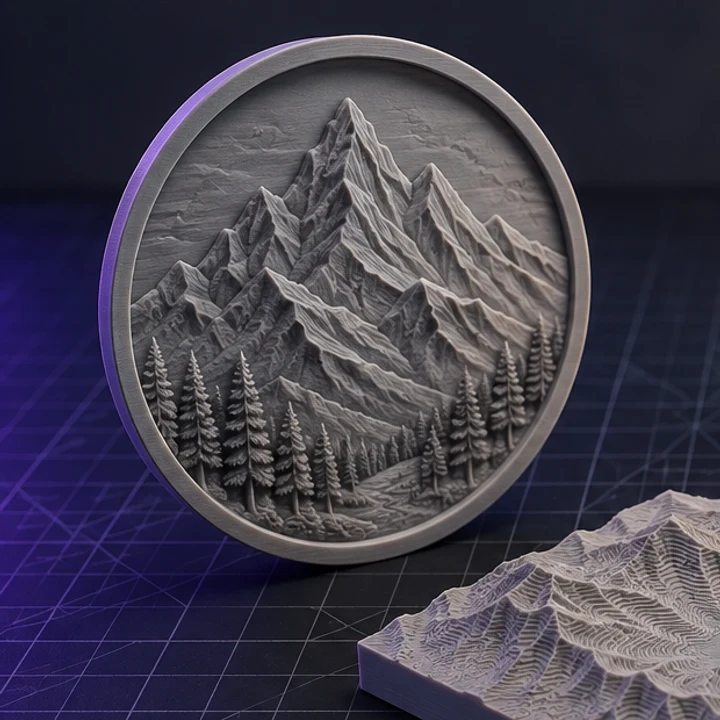
A PNG has a fixed pixel grid, so enlarging it exposes stair-stepping that ends up as visible ridges in the print. An SVG is sampled at whatever density the target size needs, so the extruded walls stay smooth at any scale.
Text converted to paths works reliably. Live text elements depend on the font being available, so convert text to outlines in your vector editor before exporting. That also guarantees the letterforms match what you designed.
Expand strokes into filled shapes before exporting. An unexpanded hairline stroke has no area to extrude, and open paths have no interior, so both come out thinner than intended or vanish entirely.
Not in one pass. Brightness maps to height, so give each layer a different grey value and it will extrude to a different level. Pure white becomes the tallest and black sits on the base.
Gradients become smooth height ramps, which can be useful for a domed or bevelled look. For flat-topped extrusion, replace gradients with solid fills first.
Jump straight to the converter tuned for your source file.
Relief and lithophane conversion is free, unlimited, and runs entirely in this browser. AI reconstruction starts with one free trial model.